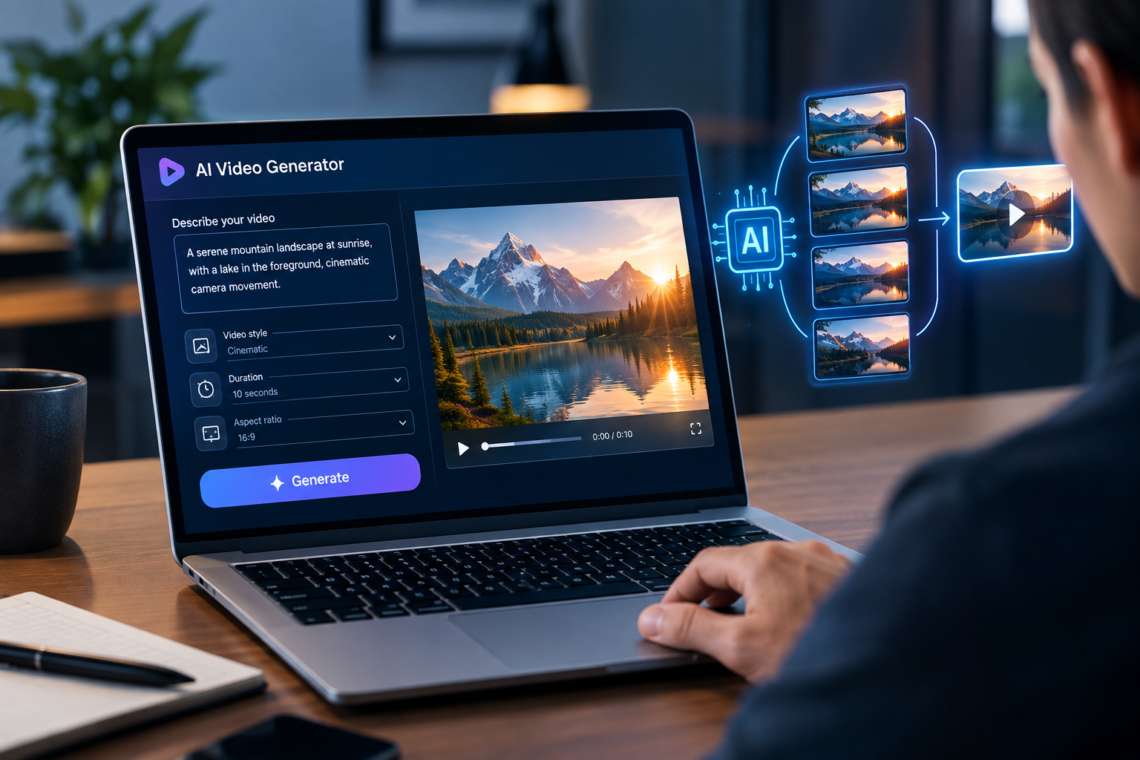
AI video generators have moved beyond simple experiments where a text prompt produces a short moving image. Modern tools can create cinematic clips from text, animate still images, transform existing footage, generate dialogue and sound, maintain visual references, and in some cases help assemble a larger video workflow.
But choosing the best AI video generator is not as simple as picking the tool with the most impressive demo. Different generators are built for different jobs. A filmmaker may care about camera control and visual consistency, while a business may need an AI presenter, and a social media creator may care more about speed and vertical formats.
This guide explains how AI video generators work, compares several leading options available in 2026, and shows which type of tool makes sense for different projects. Because AI video products change quickly, features, pricing, availability, and model names should always be verified on the provider’s current website before making a purchase.
What Is an AI Video Generator?
An AI video generator is software that uses generative AI models to create or transform video based on instructions or source material.
Depending on the tool, you might provide:
- A text description
- A reference image
- Several images
- An existing video
- A script
- An audio recording
- A character or avatar reference
The system then generates or modifies video according to the information you provide.
For example, a prompt such as “A close-up of a glass of iced coffee on a wooden table, morning sunlight entering through a window, slow camera movement” can produce a short product-style video without requiring a physical camera.
Some platforms specialize in this kind of cinematic generation. Others focus on AI avatars, educational videos, marketing content, or editing existing footage.
How AI Video Generation Works
Although the technology behind these systems is complicated, the basic workflow is relatively easy to understand.
1. You provide an instruction
The instruction tells the model what you want to see.
A useful prompt can describe:
- The subject
- The environment
- The action
- Camera movement
- Lighting
- Visual style
- Composition
- Aspect ratio
For example:
“A robotic dog walks through a quiet futuristic city at night. The camera follows from behind at street level. Neon signs reflect on wet pavement. Slow cinematic movement.”
2. The model interprets the scene
The AI attempts to understand relationships between objects, movement, lighting, perspective, and the requested visual style.
This is one reason modern video models are substantially different from simple animation tools: they are attempting to generate a sequence of frames that behave coherently over time.
3. Frames are generated as a sequence
The model produces the visual content across multiple frames rather than creating a single image.
This creates one of the biggest challenges in AI video: an object that looks correct in one frame can change unexpectedly in another.
4. The result can be refined
Good AI video creation is usually iterative.
You may change:
- The prompt
- Reference images
- Camera movement
- Duration
- Aspect ratio
- Resolution
- Seed or generation settings
- Editing instructions
The first generation should often be treated as a draft rather than the final shot.
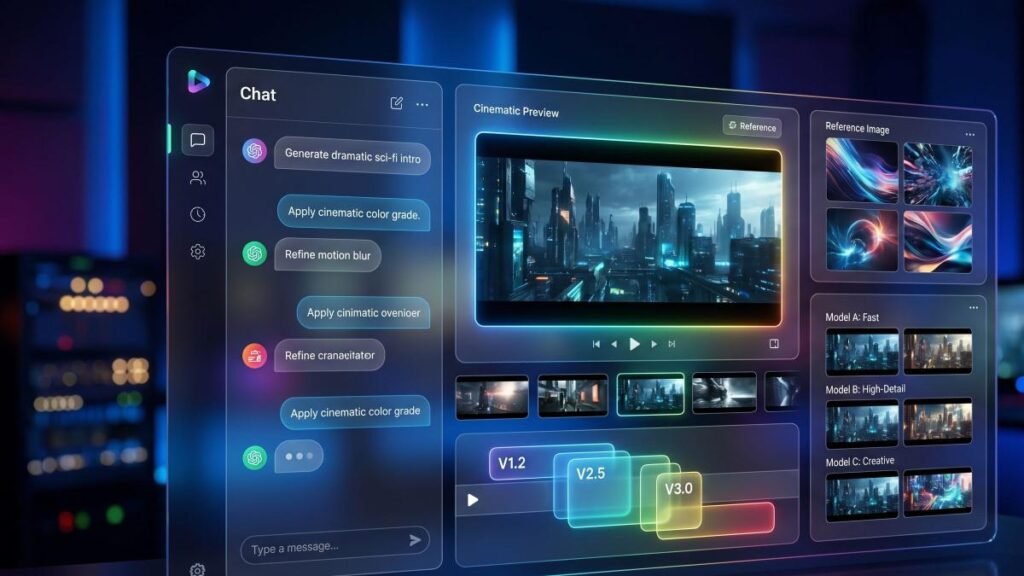
The Best AI Video Generator Depends on the Job
There is no single generator that is objectively best for every situation.
A useful way to compare tools is by asking what you actually need to produce.
| Tool | Best suited for | Notable strength |
|---|---|---|
| Google Veo 3.1 | Cinematic generative video | Video with native audio and strong prompt adherence |
| Runway Gen-4.5 | Creative production and directed shots | Control and filmmaking-oriented workflows |
| Kling | General-purpose AI video | Text/image-to-video and increasingly broad creative capabilities |
| Luma | Creative and professional workflows | Generation, modification, keyframes and production-oriented tools |
| Adobe Firefly | Creative teams and Adobe workflows | Multiple models and integration into a broader creative environment |
| HeyGen | Presenters, training and business videos | AI avatars and multilingual presentation |
| Pika | Short-form creative content | Effects and social-oriented experimentation |
The table is a starting point, not a permanent ranking. AI video models change frequently, so a tool that is strongest for a particular task today may not remain the strongest indefinitely.
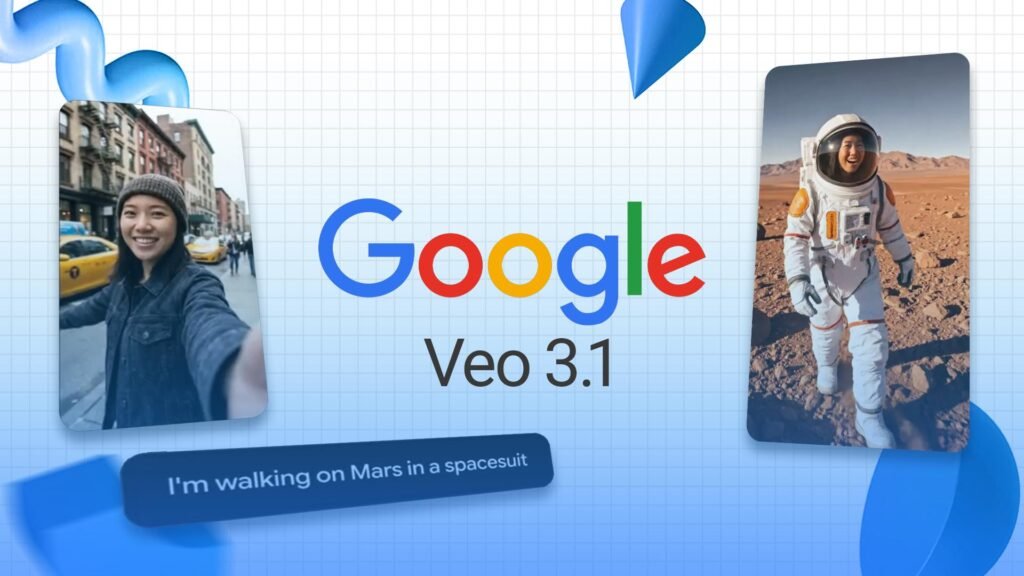
Google Veo 3.1: A Strong Choice for Cinematic AI Video
Google’s Veo 3.1 is one of the most important options to consider if your priority is generated video with sound.
Google describes Veo 3.1 as its leading video-generation model and highlights text-to-video, image-to-video, native audio, reference images, camera controls, first-and-last-frame generation, and video extension capabilities. It can generate dialogue, sound effects, and ambient audio as part of the creation process.
That makes Veo particularly interesting for scenes where audio is part of the creative concept rather than something added afterward.
For example, imagine creating a short scene of a street market:
- Describe the market and camera movement.
- Specify the characters and action.
- Add the desired dialogue.
- Let the model generate the scene with environmental sound.
- Review the result and refine the prompt.
The important limitation is that impressive generation does not eliminate the need for editing. A generated clip may still need to be selected, trimmed, combined with other shots, or corrected in a conventional video editor.
Best for: cinematic experiments, storytelling, visual concepts, and projects where generated audio is important.
Runway Gen-4.5: Strong for Creative Control
Runway is particularly interesting for creators who want a more production-oriented generative video workflow.
Runway currently lists Gen-4.5 as its latest video-generation model for text-to-video and image-to-video generation. Its platform also includes separate tools for video editing, stylization, character performance, and other production tasks.
The distinction matters.
A beginner may simply want:
“Generate a futuristic city.”
A more experienced creator may want to start with a carefully designed reference image and tell the model exactly how that image should move.
Runway’s documentation emphasizes using a strong input image and focusing the prompt primarily on motion when working with its image-to-video workflow.
That approach can be useful when visual composition matters more than simply generating something interesting.
Best for: filmmakers, designers, VFX experimentation, creative professionals, and users who want greater control over shots.
Kling: Worth Considering for General-Purpose AI Video
Kling has become another significant name in AI video generation, particularly for users looking for general-purpose text-to-video and image-to-video capabilities.
Its availability can vary by platform and region, and model versions change quickly. Adobe’s current Firefly documentation, for example, lists Kling 2.5 Turbo, Kling 3.0 and Kling 3.0 Omni among the partner video models available through Firefly.
That is also a useful reminder that you do not always have to use a model through its original interface. Some creative platforms increasingly provide access to several video models in one environment.
Best for: creators who want another general-purpose option for generating and experimenting with AI video.
Luma: Useful for Generation and Video Transformation
Luma is another platform worth examining, especially if your project involves more than simply generating a clip from a text prompt.
Luma’s current platform describes capabilities including text-to-video, image-to-video, video modification, keyframe-based direction, reframing, and professional-oriented HDR workflows. Its current information identifies Ray3.2 as its current video model while also describing access to other video models through its ecosystem.
This makes Luma interesting for workflows in which you begin with an existing asset and progressively modify or extend it.
For example, you could start with existing footage of a room and use AI modification to alter the environment rather than generating the entire shot from scratch.
Best for: creative production, video transformation, keyframe workflows, and users who want more than basic text-to-video generation.
Adobe Firefly: Useful When AI Video Is Part of a Larger Creative Workflow
Adobe Firefly takes a somewhat different approach.
Instead of positioning the platform only around one video model, Firefly can provide access to Adobe’s own models alongside selected partner models. Adobe’s current documentation lists models including Veo 3.1, Runway Gen-4.5, Kling 3.0, Ray3 and other options inside its video-generation workflow.
Adobe has also developed its own Firefly Video Model, designed to work within a broader creative ecosystem that includes image, vector, audio, and video creation.
This can be valuable for someone who already works with Adobe’s creative tools and wants AI generation to fit into an existing workflow rather than becoming a completely separate production environment.
Best for: designers, marketing teams, Adobe users, and creators who want access to multiple generative models in one creative workflow.
HeyGen: Best for AI Presenters and Avatar Videos
Not every AI video project requires cinematic text-to-video generation.
If your goal is to create an educational presentation, product explanation, training module, or marketing video featuring a digital presenter, an avatar-focused platform can be more useful.
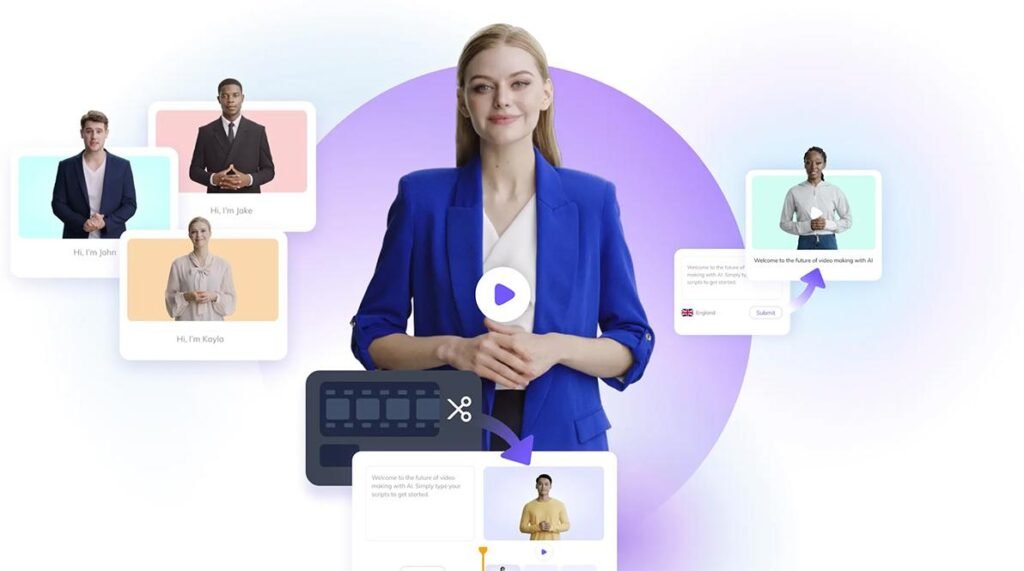
HeyGen specializes in AI avatar videos. Its current platform supports creating videos from scripts and offers avatar, voice, translation, and presentation capabilities, including support for many languages and dialects.
For example, a company could write a product-training script and use an AI presenter rather than recording a new presenter for every language or update.
This is a fundamentally different use case from generating a cinematic landscape, so comparing HeyGen directly with a cinematic video model is not always useful.
Best for: training, education, business communication, marketing presenters, and multilingual video content.
What Makes an AI Video Generator Good?
Instead of choosing a tool based only on sample videos, look at several practical factors.
Visual quality
Does the model produce convincing movement, lighting, textures, and environments?
High visual quality is useful, but it should not be your only criterion.
Temporal consistency
A good video needs objects and characters to remain reasonably stable from frame to frame.
Watch for problems such as:
- Changing facial features
- Objects appearing or disappearing
- Unnatural hands
- Distorted text
- Inconsistent clothing
- Sudden changes in lighting
- Unexplained changes in object size
Prompt adherence
A beautiful video that ignores your instructions is not necessarily useful.
If you request a person walking toward a red car while the camera moves backward, the result should actually attempt those actions.
Control
Advanced users may care about:
- Camera movement
- Reference images
- Keyframes
- Start and end frames
- Character references
- Video-to-video transformation
- Aspect ratios
- Seeds
- Editing controls
Audio
Some generators focus primarily on visuals, while others can generate or integrate speech, sound effects, music, or environmental audio.
Google’s Veo 3.1, for example, explicitly supports native audio generation.
Cost and credits
AI video generation can consume considerably more computational resources than generating a single image.
Do not compare subscription prices alone. Check how the service calculates generations, credits, resolution, duration, and premium model usage.
Prices and limits change, so verify current pricing before subscribing.
How to Choose the Best AI Video Generator
A simple decision process can save you from testing dozens of platforms.
Step 1: Decide what type of video you need
Choose the closest category:
- Cinematic scene
- Product advertisement
- Social media clip
- Educational video
- AI presenter
- Animation
- Image-to-video
- Existing-video transformation
- Short film or story
Step 2: Decide whether you need audio
If dialogue and sound effects must be generated together with the video, prioritize tools with native or integrated audio capabilities.
If you are going to add your own soundtrack and voiceover later, visual generation may matter more.
Step 3: Decide how much control you need
Beginners may prefer a simple prompt box.
Professionals may need reference images, keyframes, camera controls, editing tools, and repeatable generation settings.
Step 4: Test the same prompt
If you are comparing several generators, don’t judge them using completely different prompts.
Use the same small test:
“A close-up product shot of a black smartwatch on a polished desk. Soft morning light enters from the left. The camera slowly moves around the watch while the screen activates.”
Then compare:
- Motion
- Composition
- Detail
- Consistency
- Prompt adherence
- Rendering speed
- Cost
- Editing flexibility
This gives you a much more useful comparison than watching promotional demos.
Also Read: How to Learn AI Skills
Common Mistakes When Using AI Video Generators
Writing overly complicated prompts
More words do not automatically produce better video.
A prompt containing ten actions, five camera movements, several characters, multiple transitions, and a complicated story may overwhelm the generation.
Start with one clear action and gradually add complexity.
Expecting one generation to produce an entire film
AI video generators generally work better when a larger production is divided into individual shots.
Instead of requesting a 60-second sequence containing six different scenes, generate the scenes separately and assemble them during editing.
Ignoring reference images
When consistency matters, a reference image can provide visual information that text alone may not communicate precisely.
This is especially useful for characters, products, environments, and visual style.
Assuming AI-generated text will always be correct
Generated signs, labels, screens, logos, and other text can still be unreliable.
For professional work, inspect every frame containing important text.
Real-World Examples of AI Video Generation
Product marketing
A small business could create several short product clips without filming every variation.
For example, an online store selling headphones might generate:
- A close-up product shot
- A lifestyle scene
- A rotating product presentation
- A vertical social-media clip
The generated clips can then be edited together with real product information.
Education
An instructor could use an AI avatar to present a lesson, while generative video models create visual demonstrations or introductory scenes.
The important distinction is that AI generation can supplement the educational explanation rather than replacing the underlying instructional content.
Film previsualization
A filmmaker can generate rough versions of scenes before expensive production begins.
The purpose is not necessarily to use the generated clip in the final film. It can instead help communicate:
- Camera position
- Composition
- Lighting
- Character movement
- Overall mood
Social media content
A creator can generate short visual concepts and then combine them with narration, captions, music, and real footage.
This workflow is often more practical than asking AI to generate an entire finished social video in one step.
Advantages of AI Video Generators
AI video tools can provide several practical benefits:
- Faster experimentation: Ideas can be visualized without setting up a camera.
- Lower production barriers: Beginners can create visual concepts without advanced filmmaking equipment.
- Rapid iteration: Multiple variations of a shot can be tested.
- Image animation: Static illustrations and photographs can be turned into moving scenes.
- Previsualization: Filmmakers can explore scenes before production.
- Content localization: Avatar platforms can help create versions of presentations in different languages.
- Creative exploration: Unusual environments and impossible scenes can be tested without physical production.
Limitations and Risks
AI video generation still has important limitations.
Consistency is not guaranteed
Characters, objects, environments, and details can change unexpectedly between generations or even within a clip.
Physical accuracy can fail
AI models can produce visually convincing but physically incorrect movement.
Objects may interact incorrectly, and complex actions can become difficult to control.
Editing is still important
Generating a clip is not the same thing as producing a finished video.
Professional content may still require editing, sound mixing, color correction, captions, graphics, and fact-checking.
Costs can add up
Repeated generations consume credits or computing resources. A creator who needs many iterations should consider the actual cost per usable shot rather than the advertised monthly subscription alone.
Privacy and rights require attention
Do not upload confidential business material, private recordings, or someone’s likeness without understanding the platform’s terms and permissions.
You should also check the provider’s current commercial-use, content, training-data, and ownership terms before using generated material in commercial work.
Is Sora Still One of the Best AI Video Generators?
This is an important point for anyone reading older AI video guides.
OpenAI’s Sora 2 was released in 2025 as a video-and-audio generation model, but OpenAI states that the Sora product was discontinued on April 26, 2026.
That means older articles that recommend Sora as an available consumer video-generation service may now be outdated.
This is a good example of why AI tool lists need regular updating. Availability can change much faster than traditional software categories.
Frequently Asked Questions
What is the best AI video generator?
There is no universal winner. For cinematic generation with native audio, Google Veo 3.1 is a strong option. For creative control and production workflows, Runway Gen-4.5 is worth considering. For AI presenters, HeyGen is more appropriate. Your best choice depends on the type of video you want to create.
Can AI generate a video from text?
Yes. Modern AI video generators can create video from text descriptions, although the exact capabilities, duration, resolution, controls, and audio support vary between models.
Can AI turn an image into a video?
Yes. Image-to-video generation is supported by several current platforms, including Veo, Runway, and Luma. It can be particularly useful when you want greater control over the initial appearance of a character, product, or environment.
Are AI-generated videos good enough for professional use?
They can be useful in professional work, but “professional use” does not automatically mean a completely AI-generated video. AI clips can be used for advertising concepts, social content, previsualization, presentations, visual effects, and other production stages. The final quality depends on the model, prompting, selection, editing, and review.
What is better: text-to-video or image-to-video?
It depends on how much visual control you need. Text-to-video is convenient when you want the model to invent the scene. Image-to-video is often more useful when you already have a specific character, product, composition, or visual design that you want to animate.
Are AI video generators free?
Some platforms offer free access, trials, or limited credits, while advanced generation generally involves usage limits or paid plans. Pricing and free allowances change frequently, so check the provider’s current pricing page before relying on a particular free plan.
Can AI video generators create realistic people?
Yes, some systems can generate realistic human characters, while avatar-focused services can create persistent digital presenters. However, realistic people also raise important questions about consent, impersonation, likeness rights, and disclosure. These issues should be considered before using a generated person’s appearance commercially.
Should beginners use the most advanced AI video model?
Not necessarily. Beginners may benefit more from a tool that is easy to understand and fits their workflow than from the model with the most advanced technical capabilities. A simple tool that lets you create and edit usable videos efficiently can be more valuable than a powerful system that requires extensive experimentation.
Conclusion
The best AI video generator is ultimately the one that matches the video you are actually trying to make.
For cinematic generative video and integrated audio, Veo 3.1 is a strong candidate. Runway is attractive when creative control and production workflows matter. Luma is useful for generation and video transformation, while Adobe Firefly is particularly interesting for users who want several models inside a broader creative environment. For presenter-driven business and educational content, an avatar platform such as HeyGen may be a better fit than a cinematic generator.
The most important lesson is not to choose a tool simply because its demo looks impressive. Define the job first, test several generators with the same prompt, examine consistency and control, calculate the real cost of usable footage, and verify current features and licensing terms before building an important project around any platform.
AI video generation is most useful when treated as part of a production process—not as a magic button that replaces every creative and editorial decision.