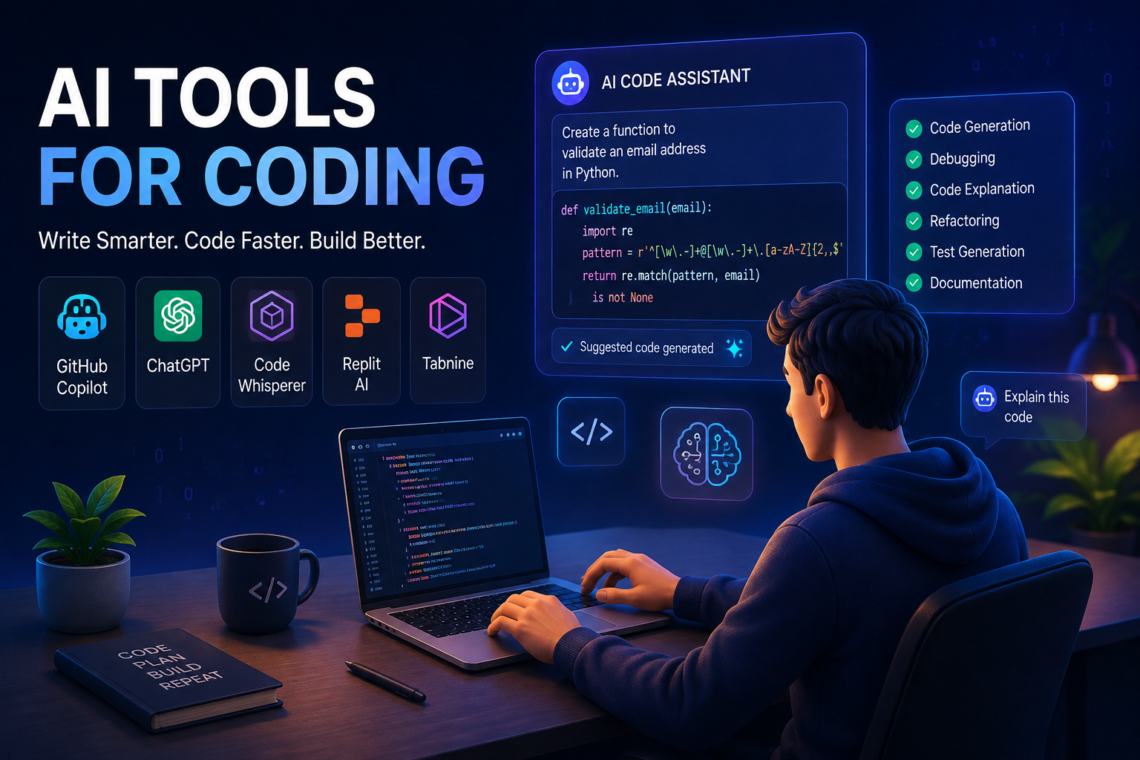
Writing software no longer means producing every line of code manually. AI tools for coding can help developers write functions, explain unfamiliar code, find bugs, generate tests, work with documentation, and explore possible solutions. But using them effectively requires more than asking an AI assistant to “write the code.”
The real value comes from knowing what to delegate to an AI tool, what to verify yourself, and how to give the tool enough context to produce useful results. This matters because generated code can look convincing while still containing bugs, security problems, incorrect assumptions, or outdated approaches.
This guide explains what AI coding tools actually do, how they work, where they are useful, their limitations, and how developers can incorporate them into a practical workflow. It also covers common mistakes and several concrete examples of using AI during real software-development tasks.
What Are AI Tools for Coding?
AI tools for coding are software applications that use artificial intelligence—often large language models trained on substantial amounts of programming-related text—to assist with software development.
Depending on the tool, an AI coding assistant may be able to:
- Generate code from a natural-language description
- Complete code while you type
- Explain existing functions or files
- Suggest ways to fix errors
- Generate unit tests
- Convert code from one language to another
- Refactor repetitive or difficult-to-maintain code
- Create documentation
- Help write SQL queries
- Work with APIs and configuration files
- Search or reason across parts of a codebase
- Help developers understand unfamiliar technologies
The important distinction is that these tools are generally assistants rather than automatic replacements for software engineering judgment.
A developer still needs to understand the application’s requirements, review generated code, run tests, consider security, and decide whether a proposed solution actually belongs in the project.

How Do AI Coding Assistants Work?
Most modern AI coding assistants rely on machine-learning models capable of processing natural language and programming languages.
A simplified workflow looks like this:
- You provide a prompt or write code.
- The tool receives relevant context, such as nearby code, selected files, error messages, or project instructions.
- The AI model predicts or generates a response based on that context.
- The tool presents a suggestion, such as a code completion, explanation, patch, or new file.
- You review and test the result.
For example, suppose a developer has a Python function that reads a CSV file and encounters an error when a column is missing.
Instead of simply asking an AI tool to “fix my code,” the developer can provide the function, the error message, the expected behavior, and any relevant constraints.
That additional context gives the model a much better basis for suggesting a change.
Why Context Matters
AI coding tools do not automatically understand everything about a project.
A suggestion may be technically valid but still unsuitable because it:
- Uses a library the project does not depend on
- Conflicts with the project’s architecture
- Assumes a different database structure
- Ignores an existing utility function
- Introduces unnecessary complexity
- Fails to account for authentication or authorization
- Uses an API differently from the version installed in the project
This is why context-aware coding assistance is becoming increasingly important. The quality of an AI suggestion depends not only on the model but also on the information available to it.
What Can AI Tools for Coding Help With?
AI coding assistants are most useful when the task can be clearly described and the result can be inspected or tested.
1. Code Generation
A developer can describe a relatively well-defined task and ask an AI tool to create an initial implementation.
For example:
Create a Python function that accepts a list of numbers and returns the median, handling an empty list explicitly.
The generated function can provide a starting point. The developer should then check edge cases, expected behavior, and whether the implementation fits the project’s coding standards.
AI-generated code is often most valuable as a first draft, rather than something that should automatically be accepted.
2. Code Completion
AI-powered autocomplete can predict what a developer is likely to write next.
This can be useful for repetitive structures such as:
- Function calls
- Object properties
- Common programming patterns
- Boilerplate
- Configuration
- Simple data transformations
The developer remains responsible for accepting, modifying, or rejecting the suggestion.
3. Debugging
One of the practical uses of AI coding assistants is helping developers investigate errors.
A useful debugging prompt can include:
- The relevant code
- The exact error message
- What the program was expected to do
- What actually happened
- Relevant input data
- Recent changes
For example, instead of:
My API is broken. Fix it.
A better request would describe the endpoint, the request being sent, the response received, the relevant server code, and the exact error.
The AI can then suggest possible causes and debugging steps.
That does not prove that the suggested cause is correct. Developers should reproduce the problem and verify the proposed fix.
4. Explaining Unfamiliar Code
AI tools can be particularly useful when joining an unfamiliar project.
A developer might encounter a function containing several layers of asynchronous operations, database queries, and error handling. Rather than trying to understand everything at once, they can ask the assistant to explain:
- What the function does
- What each major section is responsible for
- What inputs it expects
- What it returns
- Where errors can occur
- Which external services it interacts with
This can shorten the learning curve without removing the need to read the original code.
5. Refactoring
AI can suggest ways to make existing code easier to read or maintain.
For example, a developer may have a long function containing repeated validation logic. An AI assistant might suggest extracting that logic into a separate function.
However, refactoring should preserve behavior unless a behavior change is intentional.
After an AI-generated refactor, automated tests are especially valuable because the code may look cleaner while accidentally changing how the application works.
6. Test Generation
AI coding tools can generate possible unit tests based on existing functions.
Suppose a function calculates a discount. Useful test cases might include:
- A normal purchase
- A zero-value purchase
- A purchase exactly at a discount threshold
- A value just below the threshold
- Invalid input
- Boundary values
The developer should inspect generated tests carefully. Tests are only useful if they verify the intended behavior rather than simply confirming what the existing implementation already does.
7. Documentation
AI can help turn complicated implementation details into clearer documentation.
For example, it can help draft:
- Function documentation
- API descriptions
- README sections
- Configuration explanations
- Code comments
- Setup instructions
Documentation should still be checked against the actual software. An AI assistant can confidently describe behavior that the code does not actually implement.

Real-World Examples of AI Coding Assistance
Example 1: Building an API Endpoint
Imagine a developer is creating a REST API endpoint that retrieves a user’s orders.
The developer can provide:
- The framework being used
- The existing route structure
- The database model
- Authentication requirements
- The expected JSON response
The AI can then produce an initial route implementation.
The developer’s job is to verify authentication, authorization, database queries, error handling, input validation, and response behavior.
The useful part is not simply that the AI produced code. It is that it reduced the amount of routine implementation work while leaving the developer in control of the design.
Example 2: Fixing a Failing Test
Suppose a test begins failing after a change to a date-processing function.
The developer can give the AI:
- The failing test
- The relevant function
- The failure output
- The expected result
- Any recent code changes
The assistant may identify a possible timezone or date-format issue and propose a modification.
The developer can then test that hypothesis rather than blindly applying the change.
Example 3: Learning a New Library
A developer working with an unfamiliar library might ask an AI coding assistant to explain a particular API and demonstrate how it fits into an existing function.
This can be useful for learning concepts quickly.
However, library documentation remains important because AI-generated examples can use incorrect method names, obsolete APIs, or assumptions that do not match the installed version.

AI Coding Tools vs. Traditional Development Tools
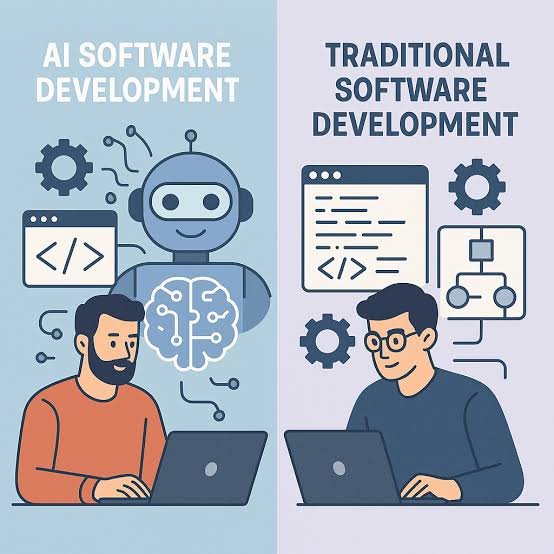
AI coding assistants do not replace the tools developers already use.
| Tool or practice | Main purpose |
|---|---|
| Code editor/IDE | Write and manage source code |
| Compiler/interpreter | Execute or translate code |
| Debugger | Inspect program execution |
| Version control | Track and manage code changes |
| Automated tests | Check expected behavior |
| Linter | Detect code-quality problems |
| Static analysis | Identify potential programming issues |
| AI coding assistant | Generate, explain, transform, and reason about code |
The strongest workflow combines these tools.
An AI assistant might suggest a change, but the compiler, tests, static analysis, and human review provide independent ways to evaluate it.
Benefits of AI Tools for Coding
Faster Development
AI can reduce time spent on repetitive programming tasks and boilerplate.
Easier Exploration
Developers can quickly ask for several possible approaches instead of manually implementing each one from scratch.
Better Access to Explanations
Beginners can ask questions about unfamiliar syntax, functions, errors, and programming concepts while working directly on a project.
Assistance With Repetitive Work
Tasks such as creating similar functions, test cases, documentation, or data transformations can often be accelerated.
Support for Code Maintenance
AI can help developers understand older code, identify duplicated logic, and suggest possible refactoring strategies.
Limitations and Risks of AI Coding Tools
AI-assisted programming has important limitations.
Generated Code Can Be Wrong
An AI model can produce code that looks reasonable but does not work correctly.
It may misunderstand a requirement, overlook an edge case, or make an incorrect assumption.
Never treat fluent code as proof of correctness.
Security Problems
Generated code can introduce security weaknesses, especially when dealing with:
- Authentication
- Authorization
- User input
- File uploads
- Database queries
- Secrets
- Encryption
- Network requests
Security-sensitive code deserves careful human review and, where appropriate, dedicated security testing.
Outdated or Incorrect Information
Programming libraries change.
An AI assistant may suggest an API that differs from the version used by the project. Developers should verify version-specific information against current official documentation.
Privacy and Code Confidentiality
Before sending proprietary source code, credentials, customer information, or other sensitive material to an AI coding service, developers should understand the service’s data-handling policies and their organization’s rules.
Never paste passwords, API keys, private tokens, or other secrets into an AI prompt.
Overdependence
A developer who accepts generated code without understanding it can create long-term problems.
This is particularly risky for beginners. AI can accelerate learning, but copying solutions without understanding them can leave important knowledge gaps.
Context Limitations
An assistant may not have access to every relevant part of a large application. A suggestion can therefore be reasonable in isolation while conflicting with another part of the system.
Also Read: Free AI Tools
How to Use AI Coding Tools Effectively
A practical workflow is more reliable than simply asking an AI to build an entire application.
Step 1: Understand the Requirement
Before prompting an AI tool, define what the software should actually do.
Write down:
- Inputs
- Outputs
- Rules
- Constraints
- Error behavior
- Important edge cases
Step 2: Give Relevant Context
Provide the smallest amount of information needed to understand the task.
Useful context might include:
- Relevant source files
- Function signatures
- Error messages
- Framework and language
- Dependency versions
- Existing interfaces
- Expected behavior
Avoid overwhelming the model with unrelated material.
Step 3: Ask for an Explanation When the Task Is Complex
Instead of immediately requesting a complete implementation, ask the AI to outline the approach first.
For example:
Explain two possible approaches, compare their trade-offs, and recommend one before writing the code.
This gives the developer an opportunity to catch a flawed assumption before code is generated.
Step 4: Generate a Small Change
Smaller changes are easier to inspect and test than a huge AI-generated implementation.
Rather than:
Build my entire application.
A more controlled workflow is:
Add validation to this existing endpoint while preserving its current response format.
Step 5: Review the Code
Check:
- Does it meet the requirement?
- Does it match the existing architecture?
- Are edge cases handled?
- Are dependencies appropriate?
- Is error handling correct?
- Does it create security concerns?
- Is the code unnecessarily complicated?
Step 6: Run Tests and Tools
Compile or execute the code. Run relevant tests, linters, and static-analysis tools.
If something fails, give the exact failure back to the AI rather than simply saying that it does not work.
Step 7: Understand Before Merging
A developer should be able to explain what an AI-generated change does before relying on it in a production system.
Common Mistakes When Using AI for Coding
Asking for Too Much at Once
Large prompts such as “build a complete production-ready application” can produce inconsistent results.
Breaking the project into smaller components gives you more control.
Providing Too Little Context
“Fix this code” is usually a weak prompt.
The AI needs to know what is wrong and what the correct behavior should be.
Trusting the First Answer
AI-generated code should be treated as a proposal.
Ask for alternatives when the design decision matters.
Skipping Tests
A successful-looking response from an AI assistant is not a test result.
Run the actual software.
Ignoring Existing Project Conventions
A generated solution may introduce a new pattern when the project already has an established way of solving the same problem.
Consistency matters for maintainability.
Are AI Tools for Coding Good for Beginners?
Yes, but beginners should use them as learning assistants, not answer machines.
A beginner can ask an AI tool to explain:
- What a function does
- Why an error occurs
- What a particular syntax element means
- Why two approaches differ
- How a database query works
- How to write a test
- What an unfamiliar error message means
A productive habit is to ask why rather than only what code should I use?
For example, after receiving a solution, ask the assistant to explain the important decisions and then try modifying the code yourself.
That turns AI assistance into an opportunity to build programming knowledge.
How Should Experienced Developers Use AI Coding Tools?
Experienced developers can use AI differently.
Instead of relying primarily on basic code generation, they can use AI for:
- Exploring implementation alternatives
- Reviewing code
- Generating test cases
- Investigating unfamiliar code
- Refactoring repetitive sections
- Drafting documentation
- Converting code between languages
- Creating prototypes
- Identifying potential edge cases
The developer’s existing knowledge becomes particularly valuable because they can recognize incorrect assumptions more quickly.
What Makes a Good AI Coding Prompt?
A useful coding prompt usually contains four elements:
Goal: What should change?
Context: What code, framework, or environment is involved?
Constraints: What must remain unchanged?
Expected result: What should the final behavior look like?
For example:
Add input validation to this Python function. Reject negative quantities and raise a clear exception. Do not change the function’s return format. Include tests for zero, positive, negative, and non-numeric input.
This is much more actionable than:
Improve this function.
Frequently Asked Questions
What are AI tools for coding?
AI tools for coding are applications that use artificial intelligence to assist with software-development tasks such as code generation, completion, debugging, testing, explanation, refactoring, and documentation.
Can AI tools write an entire application?
They can generate substantial amounts of application code, but generating code is not the same as delivering a reliable production application. Requirements, architecture, security, testing, integration, deployment, and maintenance still require careful engineering.
Are AI coding assistants replacing programmers?
AI coding assistants automate portions of programming work, but software development involves much more than producing code. Developers still need to understand requirements, make architectural decisions, verify behavior, manage risks, and maintain systems.
Are AI tools for coding accurate?
They can be useful but are not guaranteed to be correct. Generated code should be reviewed, executed, and tested rather than accepted solely because it appears plausible.
Can beginners use AI coding assistants?
Yes. They can be useful for learning programming concepts, understanding errors, and experimenting with code. Beginners should make a point of understanding generated solutions rather than copying them without explanation.
Is AI-generated code safe to use?
Not automatically. Security, privacy, licensing, dependency, and correctness considerations depend on the particular code and environment. Sensitive or security-critical code requires additional review and testing.
Should developers use AI to debug code?
Yes, AI can be useful for generating debugging hypotheses and explaining errors. However, developers should reproduce the problem and verify the proposed fix using the actual application and its tests.
What is the best way to use AI tools for coding?
Use them as part of a development workflow: define the requirement, provide relevant context, generate or discuss a solution, review it, test it, and understand the final change before relying on it.
Conclusion
AI tools for coding are most useful when they complement software-engineering skills rather than attempt to replace them. They can reduce repetitive work, explain unfamiliar code, generate tests, suggest fixes, and help developers explore solutions more quickly.
The key is verification. AI-generated code can contain subtle errors, security issues, outdated APIs, or assumptions that do not fit the project. Developers should therefore combine AI assistance with documentation, testing, static analysis, version control, and human judgment.
For beginners, the best approach is to use AI as a teacher and coding partner. For experienced developers, it can become a powerful tool for exploration, review, maintenance, and automation. In both cases, the strongest results come from the same principle: let AI accelerate the work, but keep engineering decisions under human control.